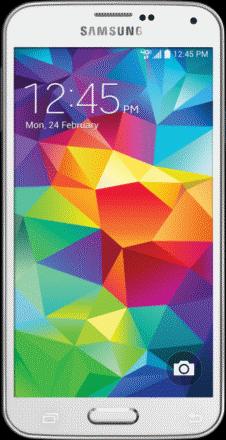
This fix applies to the Galaxy Note 4, but it may also apply to other phones as well. It is posted as a Public Service with no guarantees. I am just letting you know what worked for me.
Click the following:
1. Settings
2. Apps
3. App Manager
4. PRESS 3 dots in upper right hand corner of your phone
5. Press “Apps that Can Appear on Top”
6. Set all to “OFF”
7. Restart device to ensure settings hold
2. Apps
3. App Manager
4. PRESS 3 dots in upper right hand corner of your phone
5. Press “Apps that Can Appear on Top”
6. Set all to “OFF”
7. Restart device to ensure settings hold
NOTE: When you download a new app this action may reset all your apps to “ON”. So If needed repeat Steps 1 to 7 above. It seems that having all your apps set to “ON” activates the Screen Overlay function which then makes it impossible to operate some of your key apps. Thank you Samsung for putting more obstacles before us mere mortals!!!
Hope this helps.
Andrew Yiannakis, Ph.D.
Research Professor, UNM

 Andrew's Blogs